Disable Comments in WordPress (without a plugin)
Paste the following code into your functions.php file or copy the following to "wp-content/mu-plugins/disable-comments.php" to use it as a "must-use plugin" (always-on and before "normals" plugins)
Google Analytics is a free web analysis service that offers statistics and essential analytical tools for marketing and search engine optimization (SEO). It's a vital tool that helps digital marketers…
WooCommerce sellers can take their eCommerce businesses to the next level by linking to Amazon - the web’s largest marketplace with nearly 2 million active sellers around the globe. Linking to…
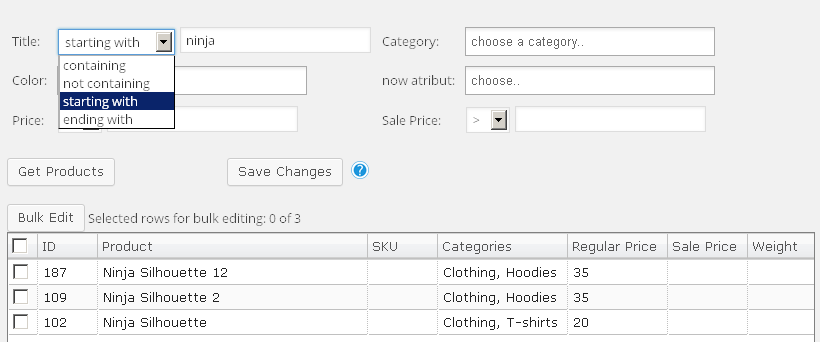
Please note This article is a how-to documentation article provided by the plugin author. The plugin being referenced is available here - https://codecanyon.net/item/woocommerce-advanced-bulk-edit/8011417 × Dismiss alert Viewing productsThe plugin is…
Everyday we use the internet for regular activities - many of us take to the internet to find that piece of information we require, or to find the service or…
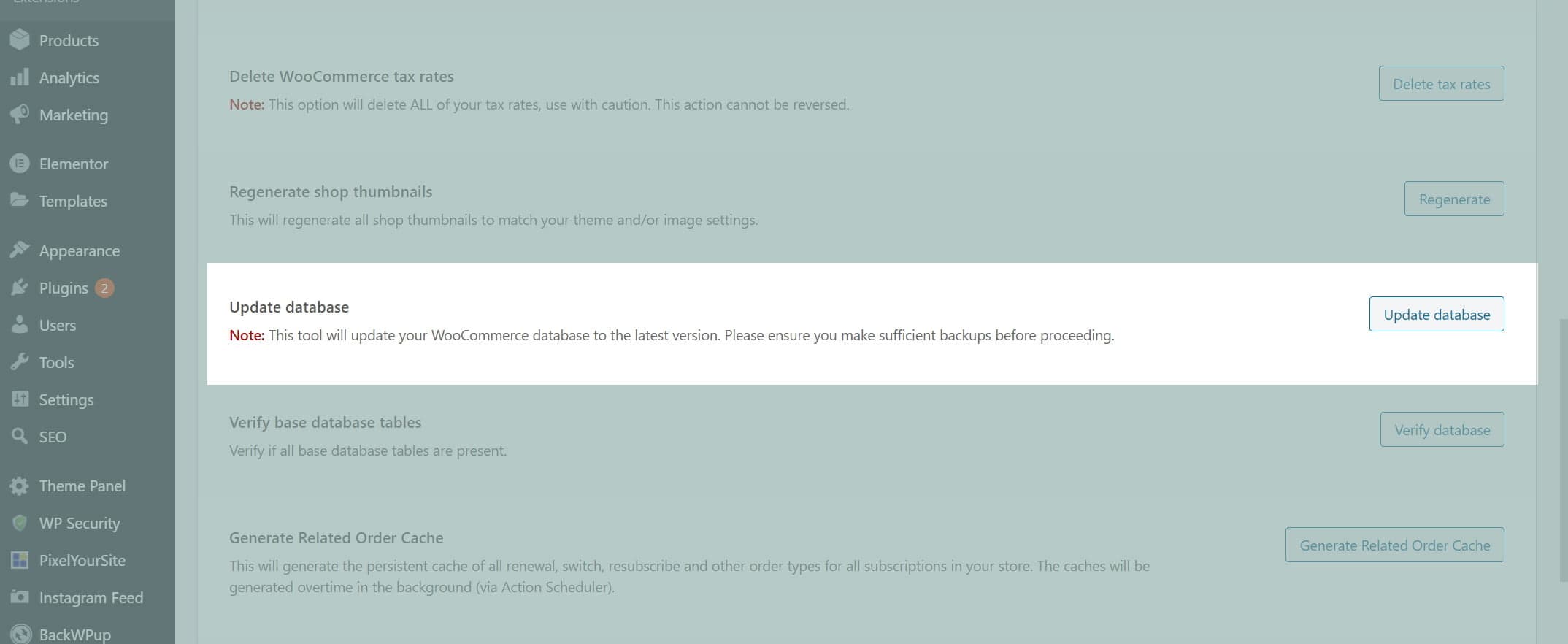
Have you received the error “WooCommerce Subscriptions is inactive. This version of Subscriptions requires WooCommerce 3.0 or newer.” You may also see an error under WooCommerce > Subscriptions saying invalid…
Recently we had a client who was running Learnpress for an e-learning type website. This client wanted to offer a monthly subscription to customers rather than a one-time fee. Learnpress…
WordPress 5.3 Beta 1 was released last week and it gives some insight to upcoming features expected later this year. WordPress 5.3 expands on the recent site health feature, new…
Collecting data from your customers can be a great idea to help improve your store. Recently a client of ours was requesting to have a survey appear after a user…