How to Keep a Website Updated Without Letting It Drift
How to keep a website updated? TL;DR: The best way to keep a website updated is to treat it like part of the business, not a one-time project. Set a…
Table of Contents Integrating AI into a new or existing website is one of the most requested features from our clients in the past year. AI can be a huge time…
Table of Contents Website audits are an important part of the discovery process. We offer website audits to each client with an existing website to understand the history of the…
Table of Contents Contractor and Trade websites are generally brochure style websites and we often find them outdated, clunky and hard to use. Every business needs a website but for…
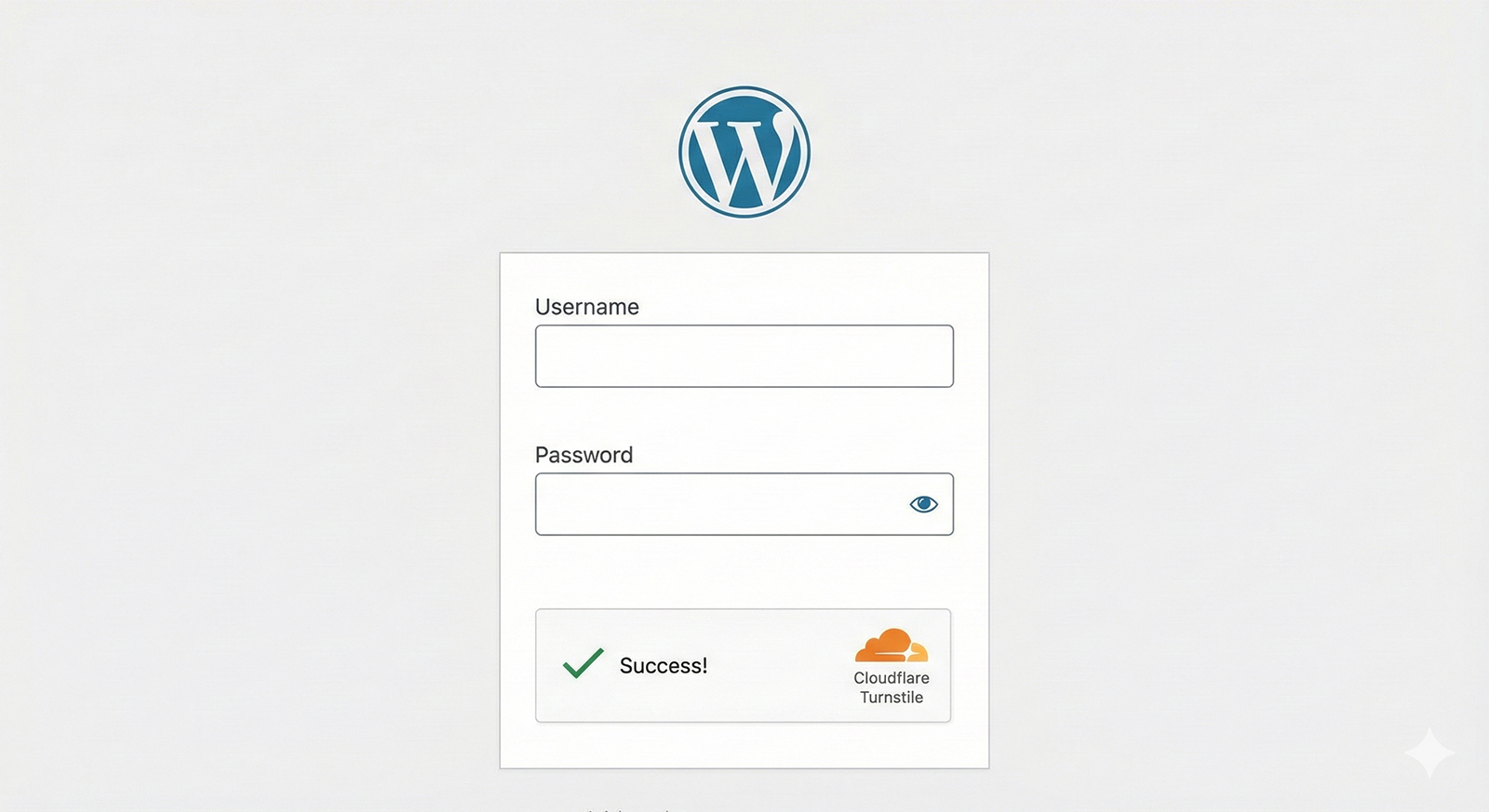
How to Replace reCAPTCHA with Cloudflare Turnstile in WordPress Step 1: Get Your Cloudflare Turnstile Keys First, you need to generate a Site Key and a Secret Key from your…
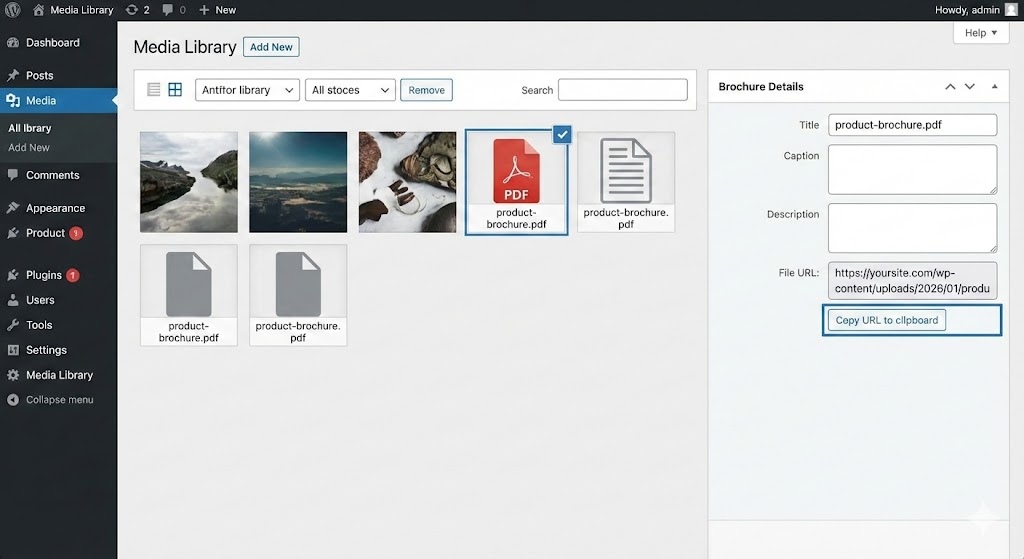
Step 1: Copy the PDF URL Before you can create the link, you need the direct address of the file you just uploaded. Go to your WordPress Dashboard. Navigate to…
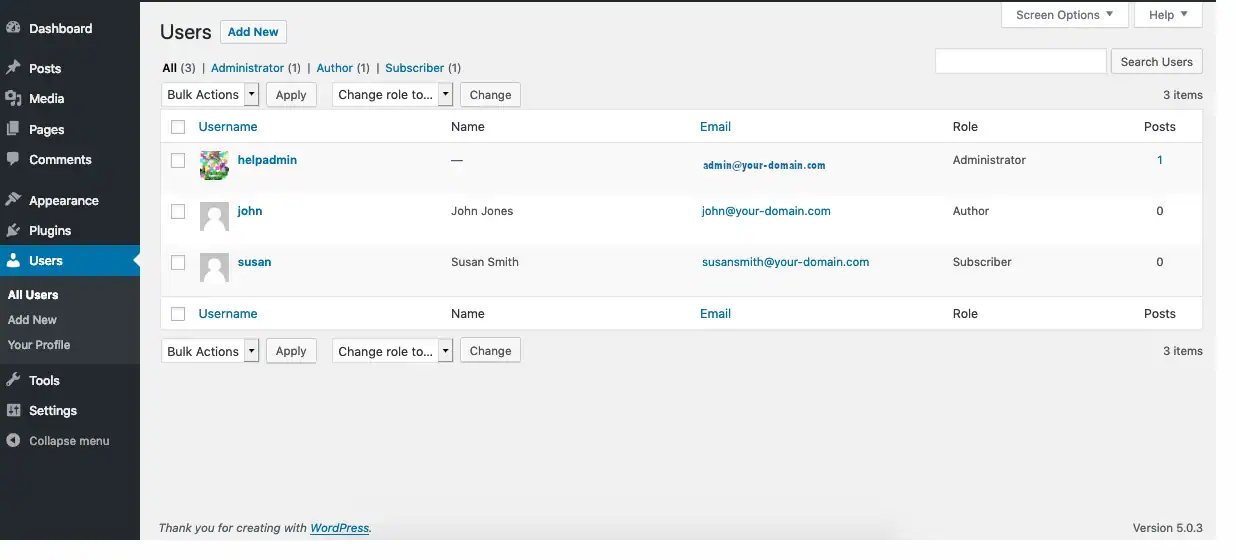
Managing user roles in WordPress is essential for maintaining control over your site. Whether you're adding a team member, a developer, or a backup admin, here's how to create a…
WordPress powers over 40% of all websites, making it a prime target for cyberattacks. Whether you're running a personal blog or a business site, it's crucial to recognize the signs…
Install & Configure Facebook for WooCommerce PluginIn WordPress, go to Plugins > Add New and search for Facebook for WooCommerce.Install and activate the plugin.Go to WooCommerce > Settings > Integration…
Introduction In today's digital landscape, where websites are at the core of businesses, content creators, and individuals, security is paramount. WordPress, being the most popular Content Management System (CMS) globally,…